MAC OSX Dashboard Widget for Windows XP/Vista/7

port MAC OSX Dashboard Widgets to Windows XP/Vista/7

http://xwidget.com

I spent a few years to develop it -- XWidget, the Mac OS X Dashboard on Windows XP/Vista/7

My Homepage http://xwidget.com

[Information]
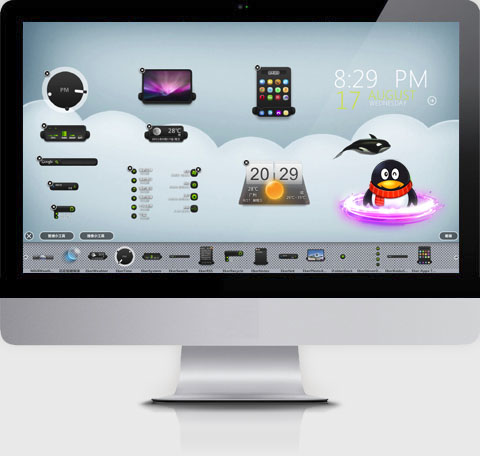
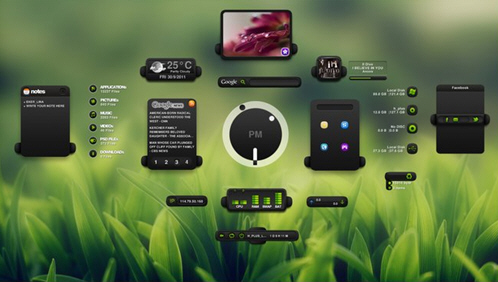
XWidget is a free desktop customization platform. It’s light, handy with powerful visual widget editor and very smooth animations.
xwidget support powerful javascript and vbscript.

Version: 1.8
Requirements: Windows XP or Vista/Windows7/Windows8
Updated: 2013-1-10


[Link]

HomePage: http://xwidget.com
Widgets gallery : http://xwidget.com/xwidget/

Download: http://xwidget.com/download.php
Portable Version: http://xwidget.com/download2.php


[Virus Scan reports]
There are some antivirus software false positives, this is a virus scan report,It is clean
http://r.virscan.org/report/98cbc5703133486221aa1e7bb187bf66.html
http://r.virscan.org/report/8ea34bac578abc092d21ee0451523c67.html
http://r.virscan.org/report/948791529ec3acff4b44d1704d92138d.html
http://r.virscan.org/report/914e1fe6039dbe2df48e8bed189de2f2.html
http://r.virscan.org/report/54e019b8d6fd26aac138d172fa823313.html


All feedback is appreciated!


[Video demo]


[ScreenSnap]

Setup
Posted Image


Posted Image


Posted Image


Eker Theme
Posted Image


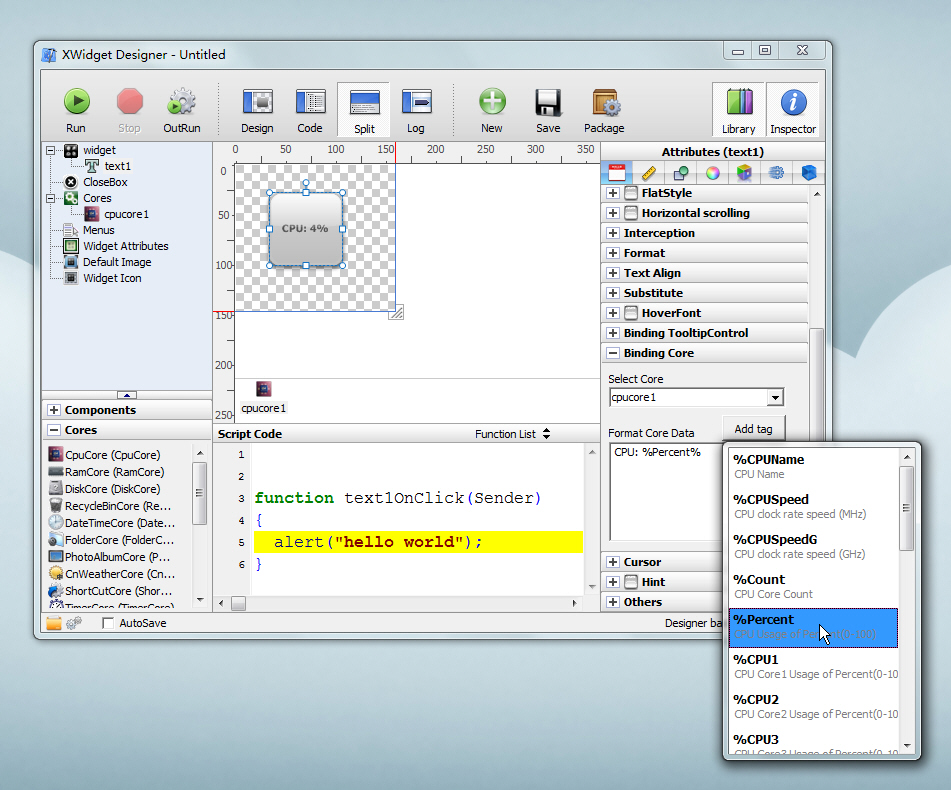
Powerful Visual Skin Editor IDE,support javascript/vbscript.
Posted Image


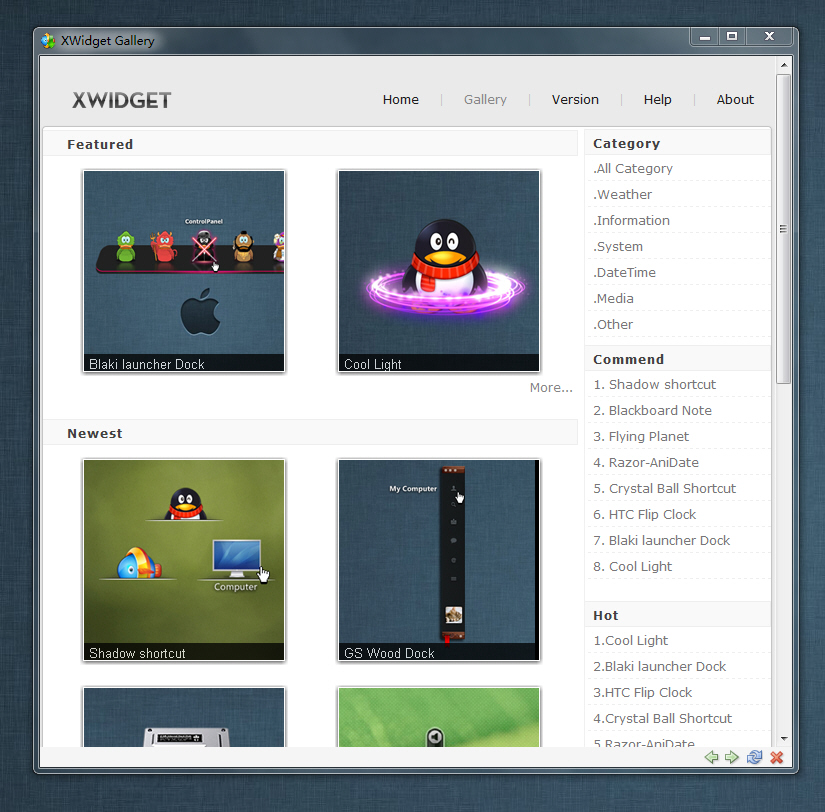
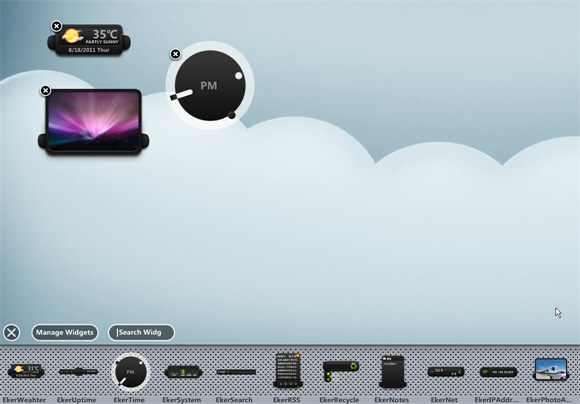
Widget Gallery
Posted Image


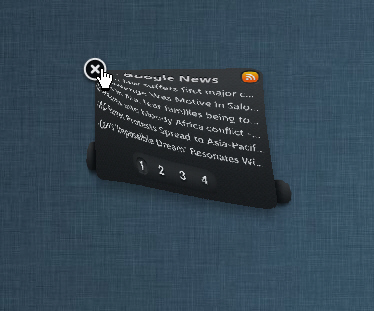
Close Animation
Posted Image


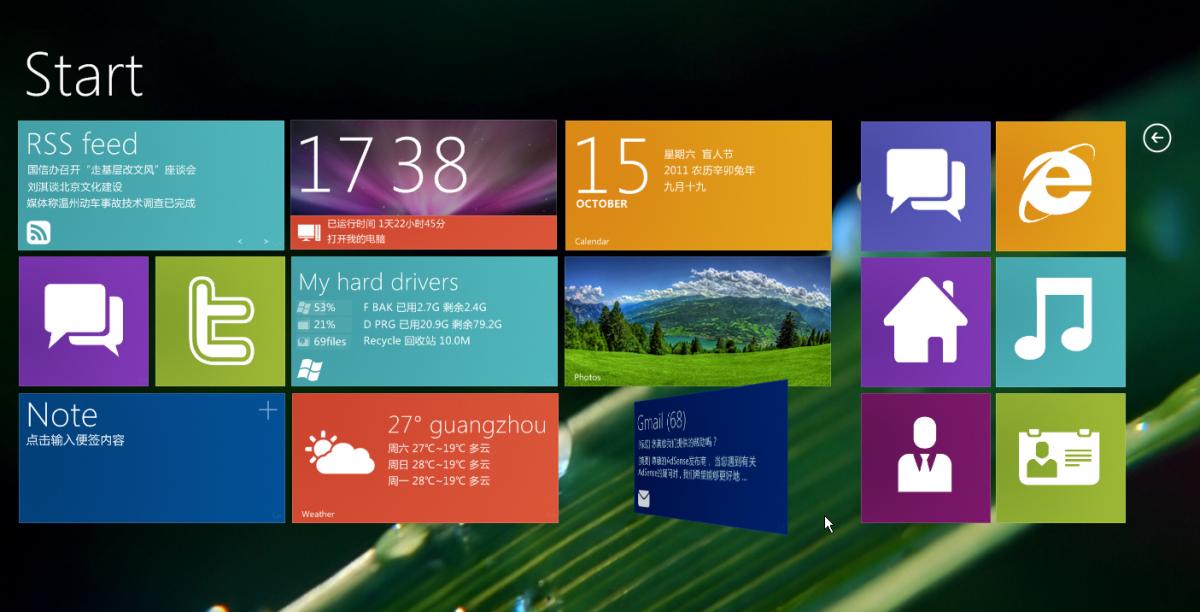
Windows8 Metro UI for xwidget, width 3D Flip to change color
Posted Image


 3D Flip


post-319842-0-74863600-1357913629.jpg

202,572 views 40 replies
Reply #1 Top

Wow, this looks promising!!  I'll have to check this out!!!  5* 5* 5* 5*

Reply #2 Top

Quoting RedneckDude, reply 1
Wow, this looks promising!!  I'll have to check this out!!! 

Thanks :)

+1 Loading…
Reply #3 Top

XWidgetSoft this does look very interesting.  I will be waiting to see what RedneckDude says since he is somewhat the resident expert on DesktopX here.

I would also like to see if there are any compatibility problems with Stardock customizing software.

This is especially nice since Microsoft's announcement on their Gadget support.

Reply #4 Top

Including a skin editor is a powerful plus!  :beer:

Reply #5 Top

I'm gonna check this one out too! Make my own widgets? Yeah

Reply #6 Top

Quoting Philly0381, reply 3
XWidgetSoft this does look very interesting.  I will be waiting to see what RedneckDude says since he is somewhat the resident expert on DesktopX here.

I would also like to see if there are any compatibility problems with Stardock customizing software.

This is especially nice since Microsoft's announcement on their Gadget support.

Full Compatibility  with Stardock software

Reply #7 Top

This is indeed sounding very nice.  Need a Stardock take on this now.  :-"

Reply #8 Top

Quoting XWidgetSoft, reply 6

Quoting Philly0381, reply 3XWidgetSoft this does look very interesting.  I will be waiting to see what RedneckDude says since he is somewhat the resident expert on DesktopX here.

I would also like to see if there are any compatibility problems with Stardock customizing software.

This is especially nice since Microsoft's announcement on their Gadget support.


Full Compatibility  with Stardock software

Glad tidings. Hope sViz sees this as well as Harley.

Reply #9 Top

Quoting Philly0381, reply 3
RedneckDude says since he is somewhat the resident expert on DesktopX here

Umm, that would be sViz, Philly, but thanks for the vote of confidence. I'd be just another pixel pusher without sViz, RomanDa, and the like.

Reply #10 Top

Quoting Uvah, reply 5
I'm gonna check this one out too! Make my own widgets? Yeah

You can use the widget editor to create own widgets Very Easily.

Just Drag&Drop Controls and Core from right-bottom Library to Center Edit area ,Controls select  Cores to Binding and select tag.


And, you can mode every widget with Mouse-RightClick to popup the menu and click the menuitem "Edit" , the widget editor will open to begin edit the widget.

Reply #11 Top

Quoting DrJBHL, reply 8
Glad tidings. Hope sViz sees this as well as Harley.

Me too!  I'll link them both.  :beer:      :beer:

Reply #12 Top

They will. Then the craziness begins. lol

Reply #13 Top

I'm sure at some point someone will think or ask here 'Just how many programs do you need for widgets?'

DesktopX, Rainmeter, Windows Widgets/Gadgets ( yeah I know), Google (didn't they used to be Yahoo) Widgets and there may even be more available.  I think the answer is that we will use those programs that have or allow us to make the Widget/Gadget that meets our needs and as long as they can be skinned with the graphics of the desktop theme.

EDIT:  I was a very bad boy, I left out Winstep Xtreme.

Reply #14 Top

Quoting Philly0381, reply 13
I'm sure at some point someone will think or ask here 'Just how many programs do you need for widgets?'


DesktopX, Rainmeter, Windows Widgets/Gadgets ( yeah I know), Google (didn't they used to be Yahoo) Widgets and there may even be more available.  I think the answer is that we will use those programs that have or allow us to make the Widget/Gadget that meets our needs and as long as they can be skinned with the graphics of the desktop theme.


I think this is the mean of "Evolution"


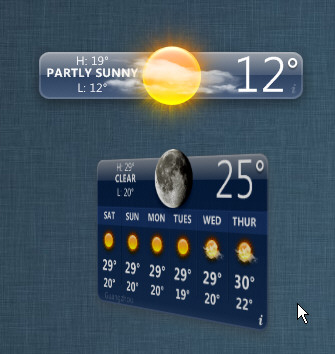
I add a dashboard weather widget.
Double-click it to collapse or expand.
Click the "i" button to the bottom-right corner to 3D Flip to the back to input city name.

http://xwidget.com/xwidget/widgets/weather/2011/1015/23.html


Reply #15 Top

Sweet!  :moo:

Reply #16 Top

How do you change the weather from "C" to "F"?  Thanks.

Reply #17 Top

Doc and Jim just saw it I am on wp7 but marking for when I get back to my PC. :) Thanks guys!

Reply #18 Top

Bookmark

Reply #19 Top

Impressive work  

Does clash with Fences, takes a few more clicks to hide/show fences.

Reply #20 Top

This looks quite interesting will have to check it out 

Reply #21 Top

Impressive. I'll have to play around with this. :sun:

Reply #22 Top

Quoting XWidgetSoft, reply 6

Quoting Philly0381, reply 3XWidgetSoft this does look very interesting.  I will be waiting to see what RedneckDude says since he is somewhat the resident expert on DesktopX here.

I would also like to see if there are any compatibility problems with Stardock customizing software.

This is especially nice since Microsoft's announcement on their Gadget support.


Full Compatibility  with Stardock software

With which of Stardock's programs did you test it?

Reply #23 Top

Is there any documentation in the works?

Reply #25 Top

Need the weather in "F". I live in Indiana. We don't do "C" in Indiana. Please and Thank You. Other than that I like it. B)