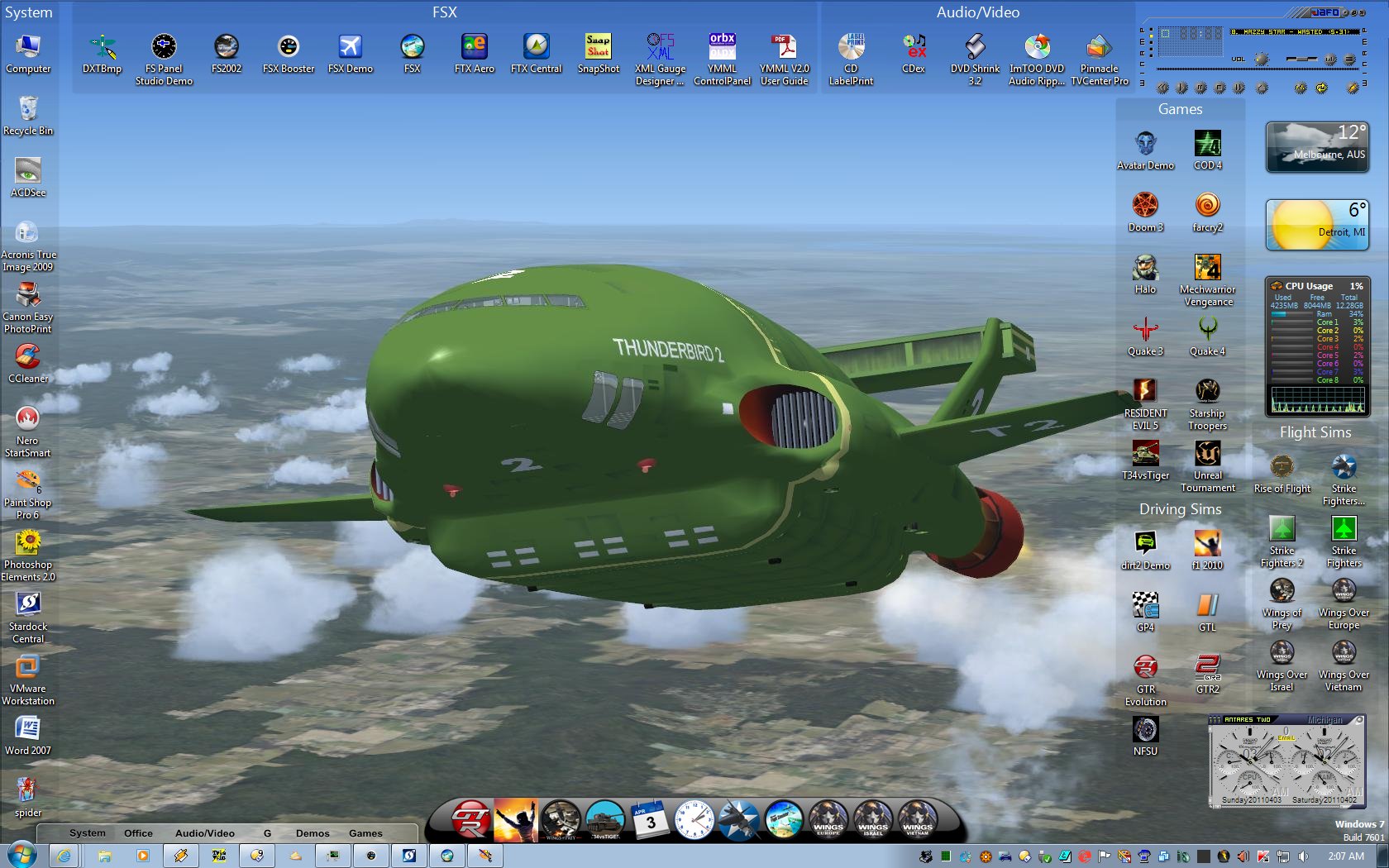
April Desktop Screenshots

OK... so it's not much of a 'skin'....but it IS my current desktop.....
The wall is a screencap of TB2 in FSX.....a classic shape....;)
[I'm 'skinning' a fun/fantasy cockpit for it]...;)

OK... so it's not much of a 'skin'....but it IS my current desktop.....
The wall is a screencap of TB2 in FSX.....a classic shape....;)
[I'm 'skinning' a fun/fantasy cockpit for it]...;)
I think I'll pass on that one but thank you Navi. I don't know if its true today but when I first got into this stuff I tried Aston. It didn't play nice with ODNT at all. Crashed my computer. One of the few times I didn't do it. lol
All done. Waiting on permission to upload.


That's right! Exactly what it is. I love Aston 2, and it really does have all the bells and whitles with it! I got it free on "giveaway of the day" a couple of months ago. The only problem is, there's not as many skins as I'd like. Minor detail though! Thanks Uvah!
I just hope you never have to reformat or anything like that because you only get the one shot with it. You can't re-install it and there are no free updates and stuff.
Here's mine! LINK

Got a new flip clock Avedesk desklet so I can read it from bed. ![]()

what are you timing?....

Project QED........Oh, I like that.
The Community Project is open to all skinners. Why not stop by the Project thread and join in? https://forums.wincustomize.com/406933

Philly needs "Fences - Desktop Themes Edition".
If that means Fences should be able to use the WindowBlinds theme like Tiles I agree.
I thought Fences was skinnable. If it ain't it should be. Think QED Fences.
Fences are really not skinnable. You can change the color to try and match the theme and it does use the theme slidebar.
There's always rainmeter.....
Just use windowblinds graphics to create a matching area and throw some icons on it.
Not a bad idea G3mpi3. Then I can pass it off as Wences or BWences or ......
Those Nexus sub-dock indicator arrows are butt ugly (and so 90's, lol). You guys using Nexus might like to know I've changed them in the next release to something much better looking that goes well (or should) with all themes.
Table Mountain is my new Logon. I didn't know Logon Studio could do that.

Looking forward to it.
JCRabbit. Glad you're here. Question. If ObjectDock stuff can be used with Nexus then why did Nexus stop displaying skins after I added a background from ObjectDock. I remember reading in another thread some time ago that you can't include the ini file.
Good news. ![]()
Eh? You completely lost me there, sorry.
Exactly what do you mean by 'stopped displaying skins'? Also, what version are you using (check the top right corner of the About tab in Preferences)?
A while ago, maybe six or seven months, I was told you can use skins from ObjectDock with Nexus, that the two are compatible. I was also told that you shouldn't include the ini file as Nexuse can't read it or some such. By displaying skins I mean when I go to change a skin the only ones that would apply are the ones that come with it, not ones made by others for it. All I'd get would be blank grey squares with a name attached. The version is the one before the latest update. Right now its not installed. I was busy with yrag trying to sort a browser problem. I've had no problems since the update but then again I didn't add any docks to it yet. Probably tomorrow when I can plug in both laptop and my external drive. Everythings on that. Backups.
Well, Nexus is compatible with skins for ObjectDock v1.x skins (as well as most other docks). Not sure about v2.x skins, though.
As for only native Winstep skins appearing in the themes tab, that's because only native Winstep themes have bitmaps for the Shelf (tabbed dock) so only those are listed when the default 'Winstep Themes' filter is selected. To see all dock skins (including the 3rd party skins) you need to
a.) change the combo box at the top left of the Themes tab in Nexus Ultimate/WorkShelf Preferences from 'Winstep Themes' to 'Dock Themes'
or
b.) Open the Dock Properties dialog for a specific dock and go to that dock's Theme tab.
The first way of doing things changes themes for *all* currently open docks, the second only for that dock.
As for the INI files, still not sure what you mean, but just forget about it.
Welcome Guest! Please take the time to register with us.