November Desktop Screenshots
from  WinCustomize Forums
WinCustomize Forums
November!


 Island Dog
SKS. For the top part of the start menu, under the 'extra settings' tab.

Hmm, have you checked anything in the transparency section in Windowblinds?
If you want, I can take a look at it and see if I can figure it out.
yup ive tried all the settings in WB too, it should be in ur WB gallery already, I believe it comes with WB is the SD Xenomorph skin.
OK, I looked at it. In SKS, you need to set ALL the parts of the start menu to semi-transparency, top, bottom, left, right and more programs. It fixes it. 
ok did that and it worked, but now unless im moving the mouse around.. the top part disappears all together.
figures,figures , prolly some issue with this dumb laptop. last time Toshiba updated drivers for it was 2009. sad part is i believe i bought it in 2008. Pathetic..
ok redone with more of a mahogany or purple heart feel to it..
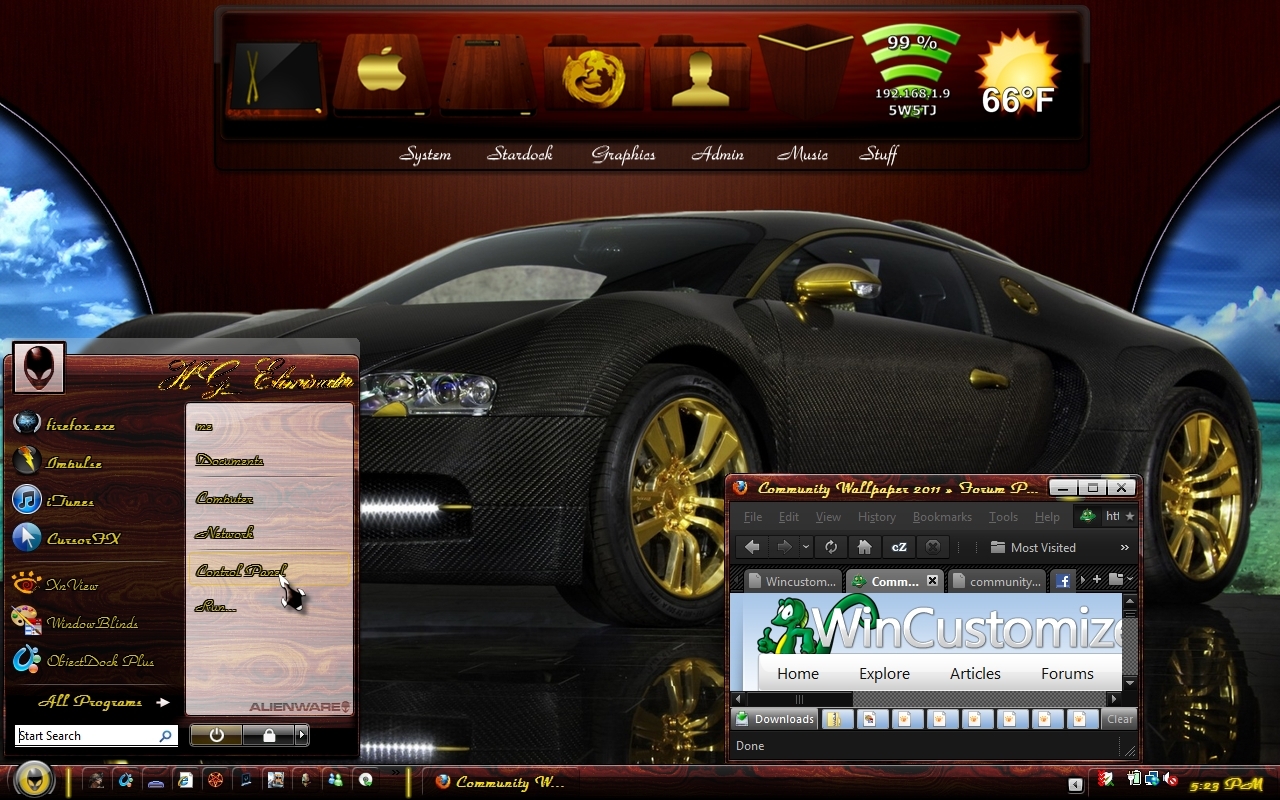
hehe 
I'm sitting here in amazement at this screenshot....
As I sit and wonder how I would love to see it functioning on my PC, I also wonder how many realize what a really great skinner you really are.
My November 2010 desktop is actually a WIP.
The Dragon WindowsBlind skin imo, is a Stardock classic.
Pictured here is the blind (slightly recolored) and my RogueJimbo Avatar,
Both of them were the inspiration behind the Portal Dream WIP pictured as the wall.
Deskscapes 3.25 is awesome.
Thanks everyone.
To do that complex a wall let alone animate it in my opinion is nothing short of amazing. Got to hand it to you Jafo...we could all take lessons from you. I know i could.
Read the thread below and edited. Sorry about that.
Glad you caught that Jimbo. I'd like not to look up and see Jafo's F-105D screaming down ready to blow me to nowhere. I can be such a dunce sometimes.
Widget away Chasbo, permission granted! 
My new iMac 27" (Dang, this is huge) Snow Leopard 10.6.4 and Windows 7. It's still fun to pretend....
Seems everyone is going Mac. adni18's iLook, treetog's iIcons....I'm going Mac crazy...... 

Welcome Guest! Please take the time to register with us.
Select a reason for giving karma:
You're about to visit an external site:
Sign up here to get the latest news, updates, and special offers delivered directly to your inbox.


