Installing from Disc issue

Hello everyone,

I was just wondering if the tech buffs in these forums had guesses as to what happened with my disc (drive)/computer. I was attempting to install Galciv2, gold, from disc, on my new Macbook, BootCamp dual booted with Vista. When it got to about 25% installed, things started to freeze up. THe install program totally froze up.

The disc, which normally makes the *whirrRRRRRRR...* noise, as it spins I assume, began to make the noise: *whirrrRRR* *click* *WHIRrrr* and then stopped. A second or two later, that repeated, and kept repeating. I heard a weird beep or buzz when I closed my laptop and thne opened it a few seconds later.

I'll install from Impulse, obviously, that's not the issue. But any ideas what is wrong with my (fill in the blank)?

Thanks!

40,906 views 8 replies
Reply #1 Top

does your computer work anymore?

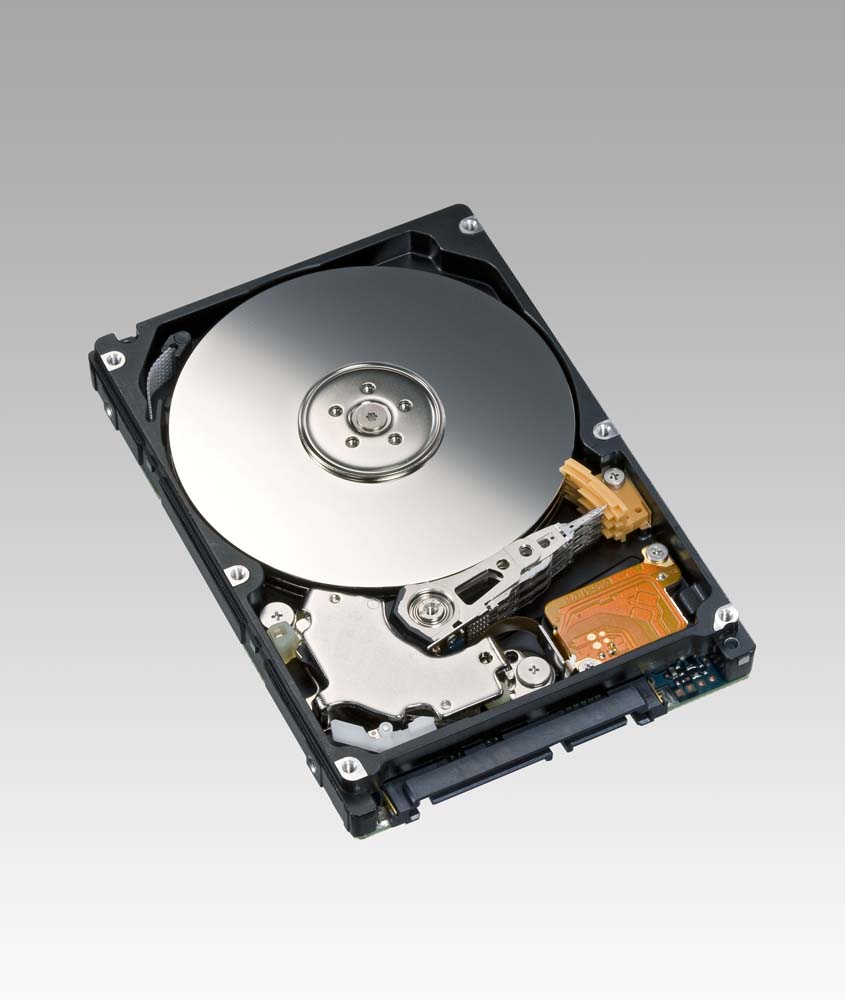
It would suck if the hard drive was doing that whirl click sound, then it could possibly be the reading arm.

I've never had it actually happen, but If a Hard drive gets moved around enough that little control arm can get stuck, and your hard disk is won't read anymore.

Reply #2 Top

Sorry, I meant my DVD/CD disc, not the hard disc. I should have made that clear.

I suppose that could apply to my disc drive too though. But here's the update: once that happened, I power-buttoned off. I tried again, and the exact same thing happened. But, I just succeeded installing a totally different game off a disc.

Reply #3 Top

Sounds like a bad dvd disc - maybe scratched or something has happened.

Reply #4 Top

If you enter the GalCiv 2 cd key on impulse (add registrations) it will alow you to install by digital download. If thats a none option for you then probably contact tech support if this is the only disc its happened with

Reply #5 Top

I would have to agree with shell, I buy the disk for looks now a-days, but I never use it, I just always go Digital download,.

Reply #6 Top

Definitely I'll install from Impulse. I said so in the first place.

So it's probably an individual disc issue. To clarify, scratches in the disc could cause it to stop spinning, and the arm to click?

Reply #7 Top

Bad discs can cause that sort of behavior in a drive, scratches or no (It's just as likely a bad pressing, had a game I just bought recently that did that--had to stream it across the network from a drive that was less picky).

If you need the disc and bought it recently, see if you can exchange it for another at the store. Or if you have another drive available, see if it works there and take an image to make a backup.

Reply #8 Top

Okey-dokey, so it's most likely that disc. Thanks for your advice!