Snowman Snowman

December Desktop Screenshots

December Desktop Screenshots

I predict lots of Xmas 'tops.

Lots of Xmas desktops? Not mine ;)

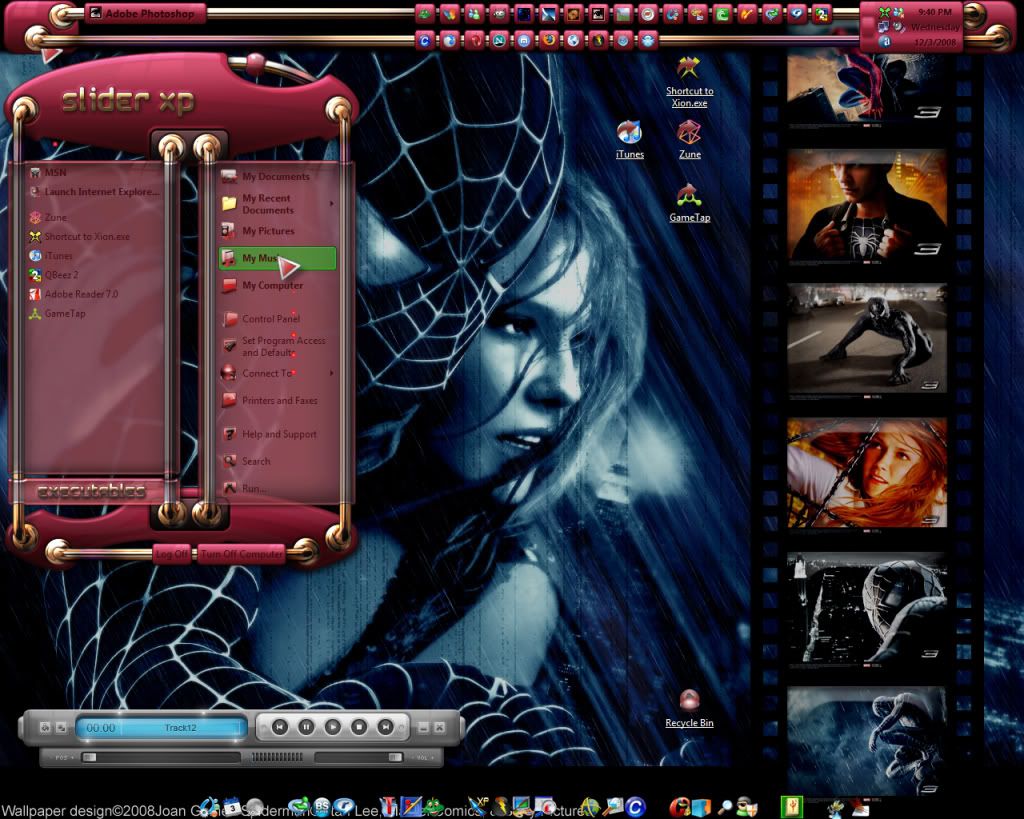
WB: Zing by JJ Ying
WinAmp: Boost by misery (aka deaddreamer)
Wallpapers: Tingle Arm by Kenneth Fairclough (left) - Machinery of the start by alexiuss
RightClick: Zing V2 by me (soon to be released)
218,174 views 133 replies
Reply #52 Top

here's mine...


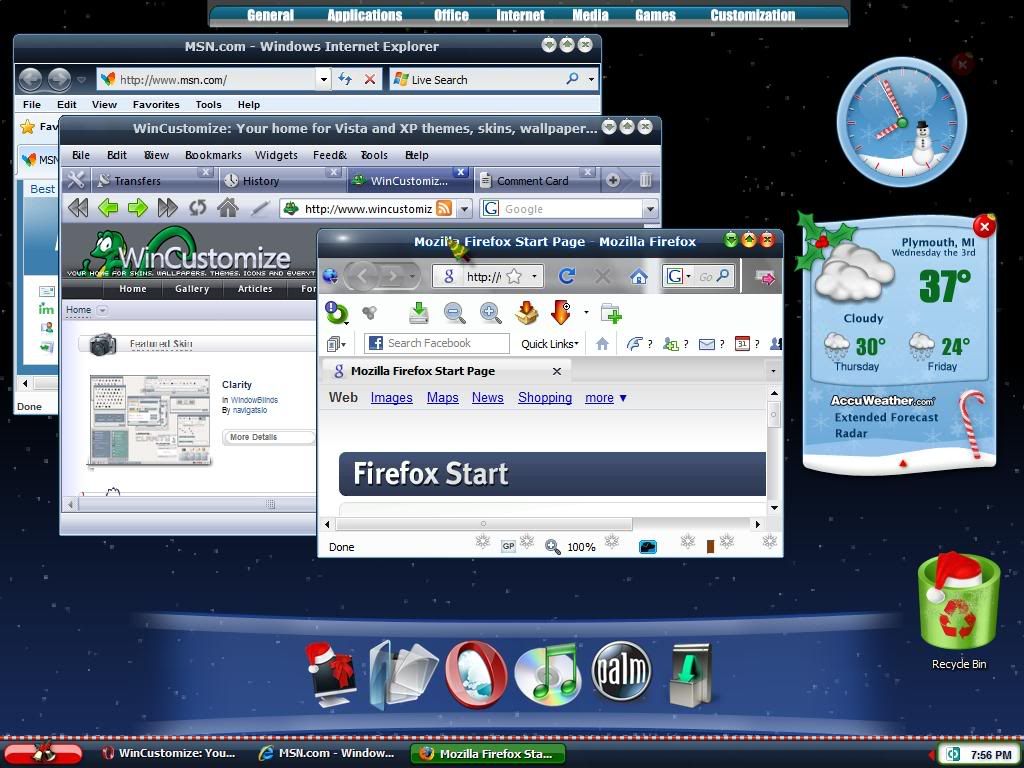
white christmas windowblind by Adni18, mycolors winter wonderland icons, magic, and origami object docks, and falling snow dream...


Reply #54 Top

it also looks like dj2bug has the same issue with wb recoloring the plastic fantastic blind that i do. shouldn't the foot in the 'all programs' be yellow instead of violet?

Reply #55 Top

shouldn't the foot in the 'all programs' be yellow instead of violet?


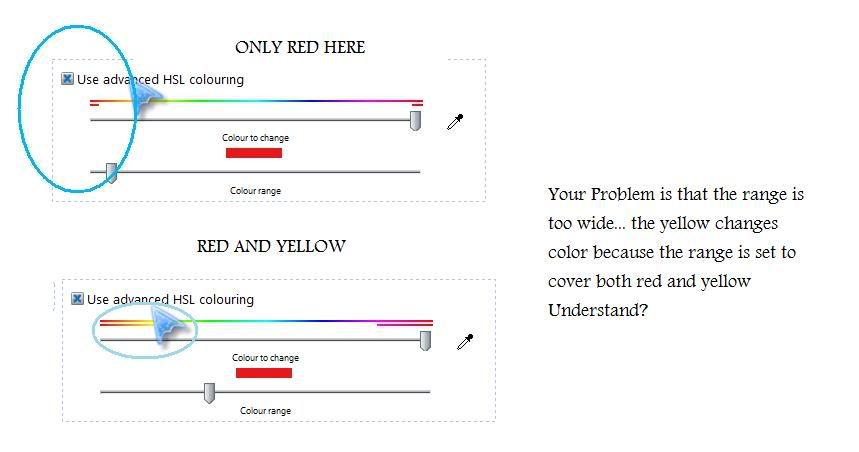
the reason for this is that you can set the range of colors that are changed with the custom color feature... you need to select a smaller range of colors... that's it... I have this problem all the time ;)

Reply #56 Top

it also looks like dj2bug has the same issue with wb recoloring the plastic fantastic blind that i do. shouldn't the foot in the 'all programs' be yellow instead of violet?

There is an updated version of Plastic Fantastic at GUIC. John has added several colored substyles.

Reply #58 Top

it also looks like dj2bug has the same issue with wb recoloring the plastic fantastic blind that i do. shouldn't the foot in the 'all programs' be yellow instead of violet?


No, thats been recolored by him I think, using normal HSL.

Reply #59 Top

Nope

used the new skin

Meh. I changed it to the Vista style . Won't update the shot cause it looks almost the same :|

Reply #60 Top

thed2jbug, does it matter which subskin you use? it doesn't for me. no matter which sub i use the taskbar never stays yellow as it should. like i said, iu've had problems with the recoloring bit in wb forever. i really think i should format. it'll probably be my weekend project.

Reply #61 Top

thed2jbug, does it matter which subskin you use? it doesn't for me. no matter which sub i use the taskbar never stays yellow as it should. like i said, iu've had problems with the recoloring bit in wb forever. i really think i should format. it'll probably be my weekend project.


here is the solution to your problem for the second time... ;)


Reply #62 Top

OK

I will repeat this again

*I AM NOT RECOLOURING THIS BLIND*

 Oh wait , I am .. wtf ? I turn it off and it's red again , but I have the blue style selected

THIS IS TURNING INTO AN EPIC PAIL OF FAIL

Reply #64 Top

da_zman, i know what i'm doing. i am not recoloring anything! i see what d2jbug has when i apply one of the subskins instead of the primary red. i know very well how to recolor a skin. besides, when i choose a color with the eyedropper, the recoloring sliders grey-out, therefore not allowing me to recolor anything. thanks for trying to help, tho. i do appreciate it.


d2jbug, the exact same thing is happening for me! please tell me you're using vista64.

Reply #65 Top

vista 32

Reply #68 Top

besides, when i choose a color with the eyedropper, the recoloring sliders grey-out, therefore not allowing me to recolor anything. thanks for trying to help, tho. i do appreciate it.

ah I see... ;)


let me know if you figure it out... :)

Reply #69 Top

Back to christmas desk

Reply #71 Top

Maybe I wont include color schemes anymore, they act too inconsistently on diff PC's.


Well, I tried...sigh... works on the majority of PC's very well, it's hard to believe that its just not working as I designed it.. on just a few.

Reply #72 Top

A quick update:

Reply #73 Top

it's not any fault of yours, john. it's just one of those deals that seem to pop up on my rig every now and then. i'm formatting in about an hour. we'll see what happens after that.

Reply #74 Top

I just changed blinds :P