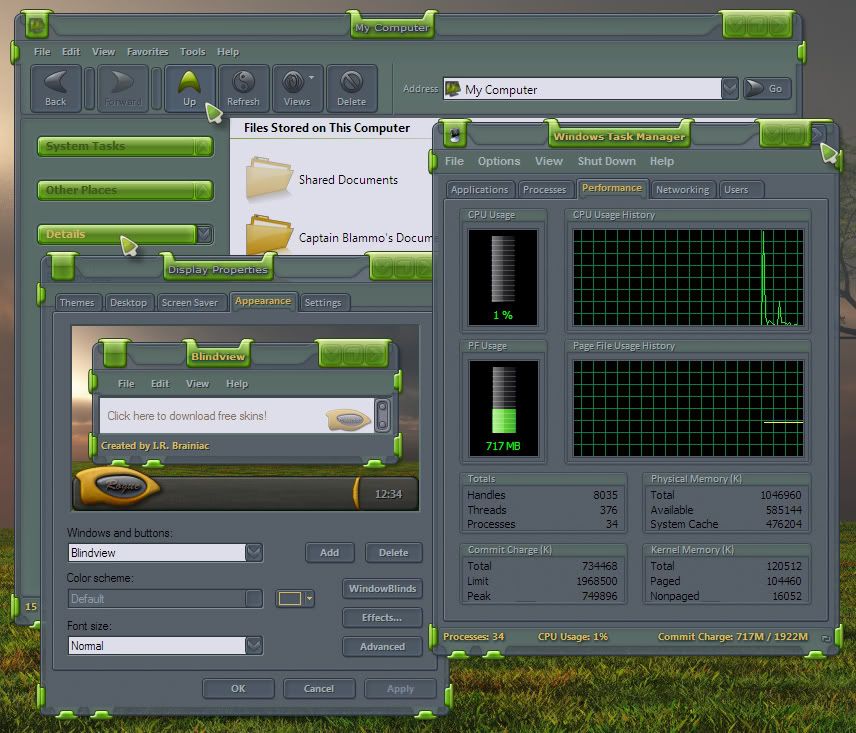
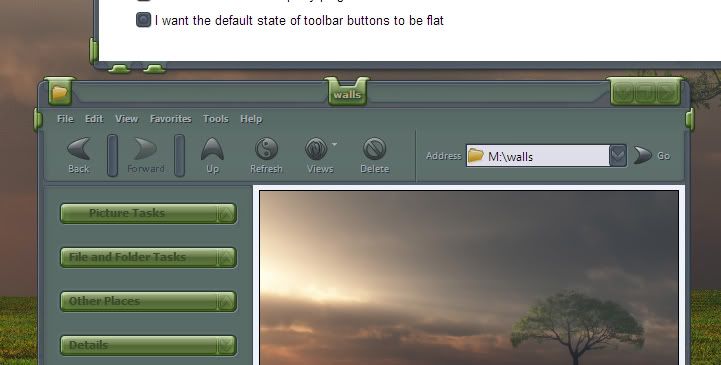
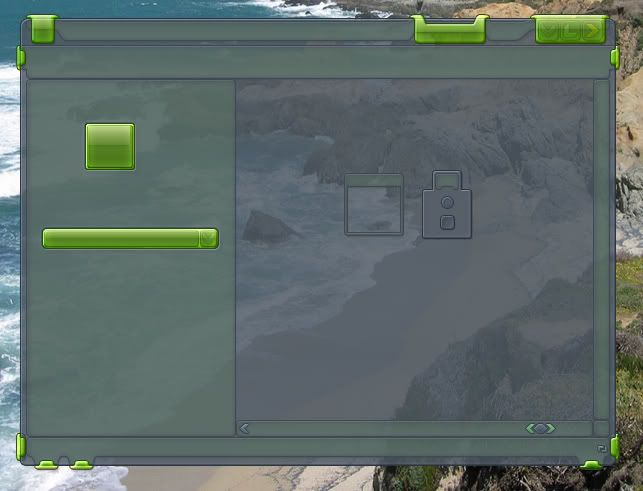
ecoLogical WB preview

Its GREEN!...but you can recolor it.

Tried something a little different for me.I wanted something where elements went behind the glass and wrapped around.


44,268 views 94 replies
Reply #2 Top
looking good.. :CONGRAT: 
Reply #3 Top
Question?

On your caption text background image..did you leave a couple pixels of transparent on the right side to align the text or did you find a way to align the text?

Reply #4 Top
I used the content margins for alignment NT...have you tried negative numbers?Red white and blue...looks like a Super Dave skin to me NT. ;)  :HOT: 

Thanks Butch. :) 
Reply #5 Top
:HOT: :CONGRAT:
Reply #7 Top
There isn't Content margins for Vista.


Maybe you can add them manually.
Reply #8 Top
Very cool IRB.
Reply #9 Top
Maybe you can add them manually.


Using SKS6 I seem to be doing alot of that. Mostly with text colors.

Thank you Sir.  :) 
Reply #10 Top
John and I still completely skin XP first in 5 then Switch to 6 to create Vista subs...less manual coding that way.

Ola Zoobey. :) 

Desaturated and first state turned off in WBconfig.

Reply #11 Top
Another masterpiece in the making. :CONGRAT:
Reply #12 Top
Another masterpiece in the making


Looking good!!! :D 
Reply #13 Top

Another Masterskin, I.R, or a freebie for the wicked? ;)
Certainly IS Master material, imo!

I wouldn't mind forking over a few bucks for this.

Reply #14 Top
Looking good master :D ;)
Reply #15 Top
Looking good master


yeah ditto :D
Reply #16 Top
Another Masterskin, I.R, or a freebie for the wicked?


Hi friends...this one will have to be for sale...I got myself messed up with the Human services dept of Colorado and they took away a bunch of my benefits.It was,ironically,selling masterskins that got me in trouble.So selling skins ended up costing me 120$ a month instead of making money.DOH!

So I either quit selling skins just to get the benefits back(after 3 months of nearly no benefits)(which would leave me homeless again)...or make more and get off the dole. ;p Cant work,so its either state money,a whole 390$ a month,or skin.Making 190$ a month from Stardock ended up losing me 310$ in benefits...they still cant explain why I lost more than I made...but thats the govt for you.I could sit around all day drinking and drugging like my neihbors and get all the benefits...or try to get ahead...and lose money. X-(  :LOL: 

I'll put the XP version up first at Maxstyles and then Vistaize it and get it going here.(woohoo,Vistaland here I come) X-(  :LOL:  ;) 
Reply #17 Top
I wouldn't mind forking over a few bucks for this.


All Winc mods and Stardock employees get any of my stuff free Snowy...its in my upload notes to Stardock.If a mod cant get them,they can email or pm me and I'll be glad to send them. :) 
Reply #18 Top
The window psd is in the graphics section if anyone would like to make something with it. :) 

Reply #19 Top

All Winc mods and Stardock employees get any of my stuff free

Well, that is mighty generous, I.R., but still, if I'd rather support a fellow artist than having it for free. :)
I know about all the time going into skinning - been there, done that - so giving something back is the least I can do.
Though I'd never charge others for the work I do, I don't mind buying other peoples work. :)

The window psd is in the graphics section

I'm gonna make a RightClick version for sure.! (At least for personal use!) :D
Time to break out and install Photoshop again......
(I normally use PSP) ;)

Reply #20 Top
I still use Photoshop 7  :) 
Reply #21 Top

Going a bit of topic here:
Is it possible to somehow 'export' individual/all layers in a PSD to 'standalone' PNG images? (in PhotoShop)

Reply #22 Top
Yes...either as a single merged graphic...just have all layers you want to see turned on and select all>copy merged and paste to new document.

or just use copy to get a single active layer...tho layer blend mode will revert to normal blend mode and may look totlly different than it does in photoshop.Blend modes have to have something behind them to blend TOO.

Such as vivid...on a layer by itself...it aint vivid anymore.We learn to 'fake' these looks sometimes especially for translucent buttons that now sit on different backgrounds than the one they did in photoshop. ;) 
Reply #23 Top
John and I still completely skin XP first in 5 then Switch to 6 to create Vista subs...less manual coding that way.


well well well..so thats what you guys do.......a good tip for us struggling to even comprehend the evil task of even having substyle with vista and xp....perhaps you should speak up more often i.r, help is MUCH needed in the substyle area concering vista and xp.
Reply #24 Top
Not certain how John creates his substyles for Vista...I'm assuming he either skins XP completely in 5 then creates the substyle the old fashioned way.Then close 5 and get on 6 in Vista and designate the substyle as default for Vista.

or maybe he skins XP in 5 and gets on Vista and creates the sub for Vista in 6.

I'm trying the first method.but I'm just getting my feet wet.So far I just dont like 6,its slower to navigate and things seem somewhat 'hidden'...too modular...I much prefer 5's live clickable preview.
Reply #25 Top
at the moment, i skin vista in sk6 first and then do a sub in sk6 and then go to xp and do the rest, but that method is giving me nothing but headaches.... so im going to try yr method, sk5 and xp first........ hope it works out better.