Craig Fraser Craig Fraser

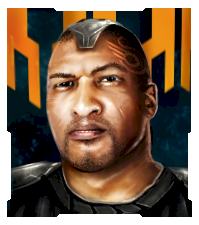
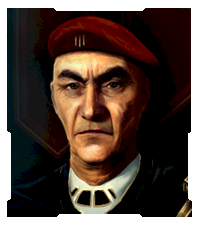
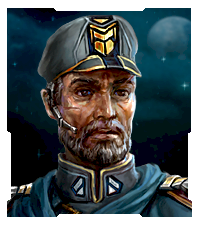
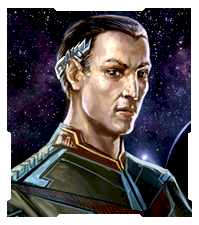
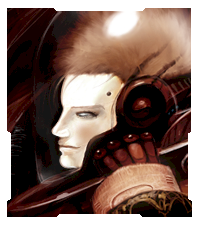
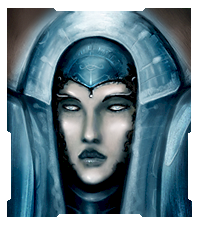
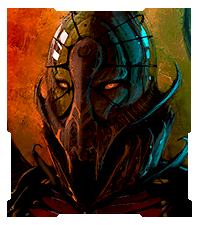
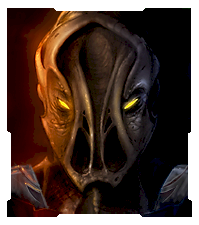
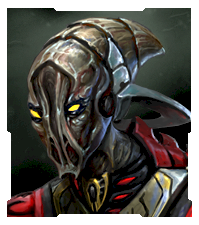
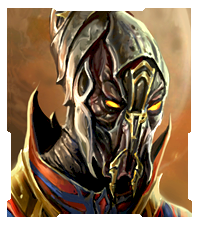
Official Sins Avatars!

Official Sins Avatars!

Hi everyone!  Its about time we had some of these...
Feel free to use in any forum.  Enjoy!

Avatars:

Set 1:


Set 2:


Set 3:


Set 4:


355,564 views 92 replies
Reply #76 Top

what program do you use to open .tga files

Reply #78 Top

i used the vasari from set 4 as my avatar on here (as you can see) and for my account pic on my computer. looks awesome, especially with the SOASE desktop skin from impulse :D

Reply #80 Top

So whats with the Cap Ship avatars is there a link somewhere like at the top of this page, I understand I can screenshot but sometimes people can get wicked shots!

Reply #81 Top

any chance of a larger set 3 Vasari plz?

Reply #82 Top

Very nice. But I can have much bigger avatars on other forums. Say like 1 1/2" for all of those? :D

Reply #83 Top

Big Enough for ya }:)


Reply #84 Top

new faction     


https://forums.sinsofasolarempire.com/175358 is discussing picture sets but no tutorial. Any help would be nice.

Player_Portrait_Large.dds

Player_Portrait_Large.tga

are in textures folder. Do I need to edit both. What would be the best pixil size and format to save just the images to work with or share here.

Reply #85 Top

Mine is from an original painting by my artistically endowed brother!

Reply #87 Top

hi  I would like one of avatars. but I don't know how to get.

 thank you any help.

Reply #88 Top

burtakal, you should be able to right click on the avatar, save it to a location on your computer. Then in your account options here on the site you should either be able to upload it or, having uploaded it to a separate site (www.imageshack.us) be able to link it within your profile.


Let me know if you need some additional help and i can post a step by step guide with pictures.

Reply #89 Top

tell us which one and I can quickly size it to fit 

Reply #90 Top

The links appear broken to me now?

Reply #91 Top

I fixed all the broken links, sorry about that!

Reply #92 Top

Quoting Blair, reply 91

I fixed all the broken links, sorry about that!

You necromancer you ;)